About This Project
Problem:
Many presentations are not accessible, making it difficult for users with disabilities to fully engage with content. Common issues include poor color contrast, lack of alt text, inconsistent structure, and inaccessible design choices.
Solution:
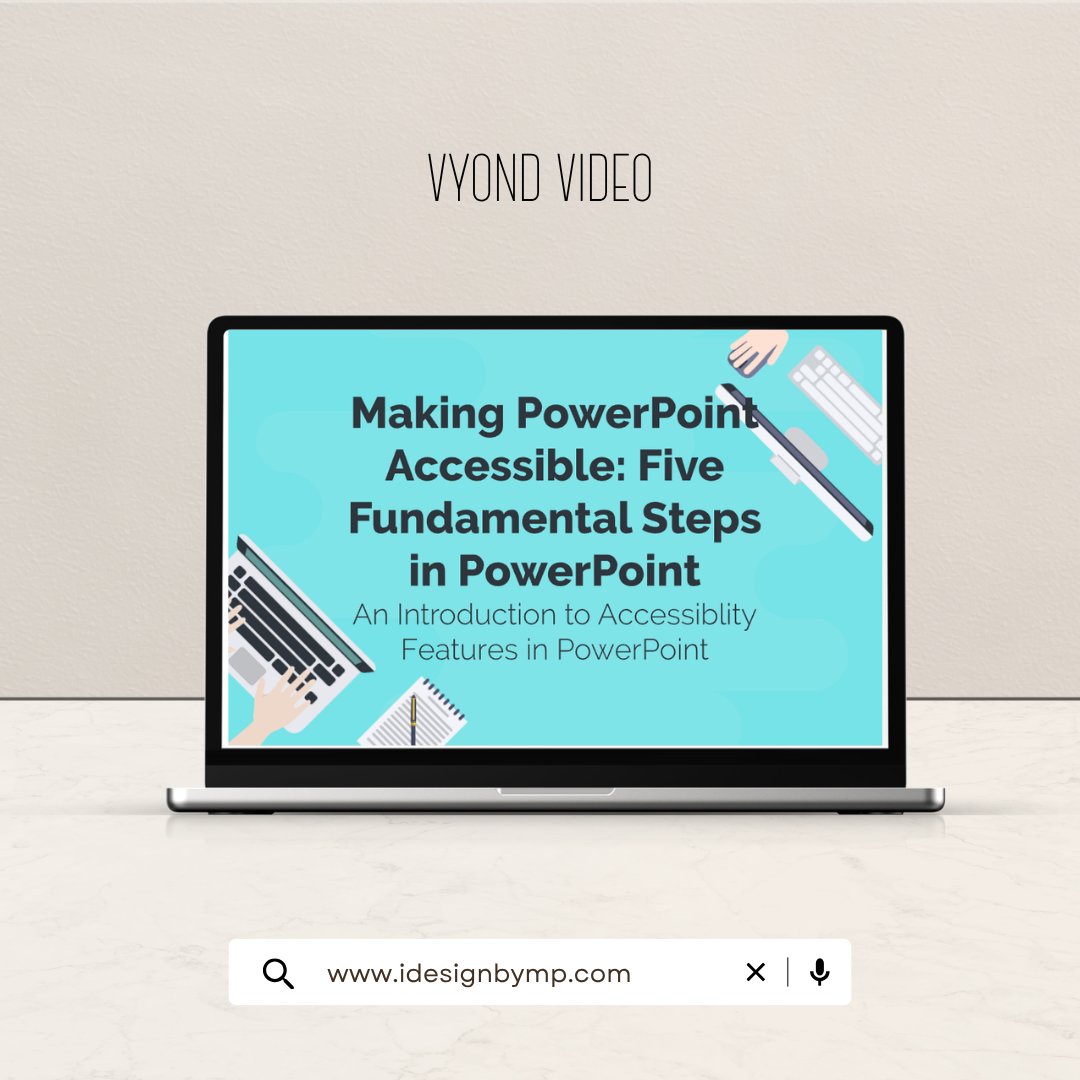
Developed a clear, step-by-step animated explainer video that simplifies accessibility best practices and demonstrates how to apply them in PowerPoint.
What I Did:
✔ Wrote a concise, instructional script focused on clarity and usability
✔ Designed storyboard with logical flow and visual reinforcement
✔ Created animated scenes demonstrating accessibility issues and solutions
✔ Used visual cues and text overlays to highlight key concepts
✔ Structured content using instructional design principles for retention
Tools: Vyond • Canva • AI Visual Tools